


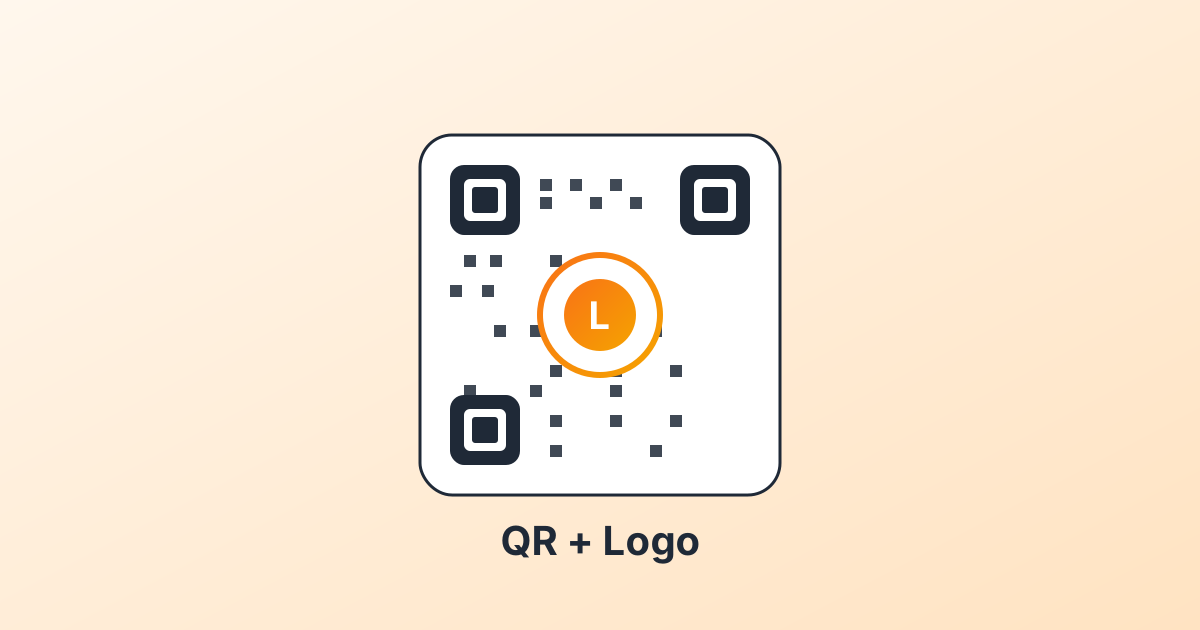
A logo in the middle of a QR code does two jobs. It tells people this code is yours, which gets you more scans. It also covers some of the data modules and could break the code. The trick is to give back what you take away.
Why it works at all
QR codes carry redundant data on purpose. Reed-Solomon error correction means even when chunks of the pattern are damaged, scanners can rebuild what was there. You pick the redundancy level when you generate the code:
- L (low): about 7 percent redundancy. No logo. Smallest, densest code.
- M (medium): about 15 percent. Small logos work. This is the default in most tools.
- Q (quartile): about 25 percent. The sweet spot for logos.
- H (high): about 30 percent. Lets you go bigger, but the code becomes dense and needs a larger printed size.
If you are adding a logo, pick Q. That is the simplest rule.
Logo rules that matter
1. Centre, never the corners
The three big corner squares are how scanners orient the code. Cover one and the scan fails. Logo goes dead centre, every time.
2. Keep it under 25 percent of the area
At error correction Q, a centred logo up to a quarter of the code area is fine. Past that, scans fall off a cliff.
3. Use a solid pad behind it
Do not let QR modules peek through a transparent logo. Add a white border (about 2 modules wide) around the logo so the boundary stays crisp. Studios call this a cut-out.
4. Test on real phones
iPhone and Android run different scanner stacks. A code that scans on iOS can struggle in a Pixel. Test both before printing a thousand stickers.
Doing it in qr-cow
Open the QR studio, click the logo control in the design panel. Pick from the bundled glyphs (Wi-Fi, mail, music, video, image, pin) or upload your own. The cut-out toggle adds the safe pad. The size slider stays inside the safe zone by default.
If your brand colour is light or has low contrast against the QR's background, lean towards error correction H and keep the logo on the small side. High-contrast brand on a white code? You can push the size.

Comments
Log in to join the conversation.
Loading…